
Smart home interior design means you plan your home’s style and daily comfort first, then add smart tech in a way that looks clean, feels simple, and solves real problems like harsh lighting, messy cables, weak Wi-Fi, and confusing controls.
Smart homes can look amazing, or they can look like a pile of gadgets. The difference is design thinking. A smart home interior plan treats devices like built-ins, not toys. That means you think about where people walk, where they sit, what they touch, and what they need without thinking. When it works, the home feels calm. Lights behave the way you expect. Temperature stays steady. Security feels quiet and reliable. The tech fades into the background, and the room still feels like a home.
Smart Home Interior Design vs a Typical Smart Home Setup
A typical setup starts with shopping. People buy a video doorbell, a smart speaker, and a few smart bulbs. Later, they notice problems. The lights lag. The Wi-Fi drops. Everyone uses a different app. The living room gets cluttered with hubs, chargers, and cables. The tech becomes the main “look” of the room.
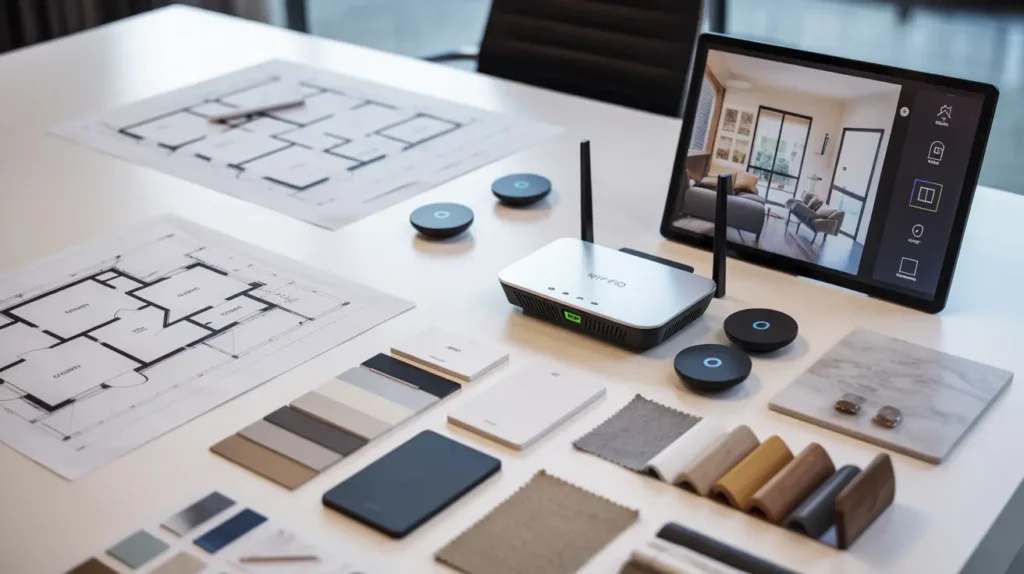
Smart home interior design flips the order. It starts with the space. You plan lighting like a designer would. You plan device placement like you plan outlets and switches. You choose finishes that match your style. Then you pick a smart ecosystem so everything works together. This approach costs less over time because you avoid re-buying devices that never fit your life.
Why People Actually Want a Smart Home
Most people want fewer daily annoyances. They want lights that make evenings feel cozy. They want the bedroom to stay comfortable at night. They want to know the door is locked without walking back to check. They want the home to feel safer when they travel.
A smart home can also help energy use. If your thermostat runs smarter, you waste less. If your lights shut off when a room is empty, you stop paying for nothing. These benefits only happen when the system is simple enough that the whole family uses it.
The Most Common User Problems and the Right Fixes
Too many devices that do not work together
People often mix brands without a plan. That creates app overload. One app for lights, one for locks, one for cameras. It gets confusing fast.
Fix it by choosing one main ecosystem early. Pick Apple Home, Google Home, Amazon Alexa, or SmartThings. Then buy devices that support that system. If you want more flexibility, look for Matter support so devices work across more platforms. A smart home hub can also help keep things stable and reduce chaos.
Weak Wi-Fi makes everything feel broken
Smart homes depend on a strong network. When Wi-Fi is weak, lights respond late, cameras buffer, and voice commands fail. That makes people stop using the system.
Fix it at the network level. Place your router in a central spot, not hidden in a corner. Use mesh Wi-Fi if you have multiple floors or thick walls. If you can run Ethernet to key areas, it makes the system more reliable. Strong Wi-Fi is not optional if you want a smooth smart home.
Visual clutter ruins the interior look
This is the biggest design issue. Visible wires, random gadgets, and bright screens can make a room look messy.
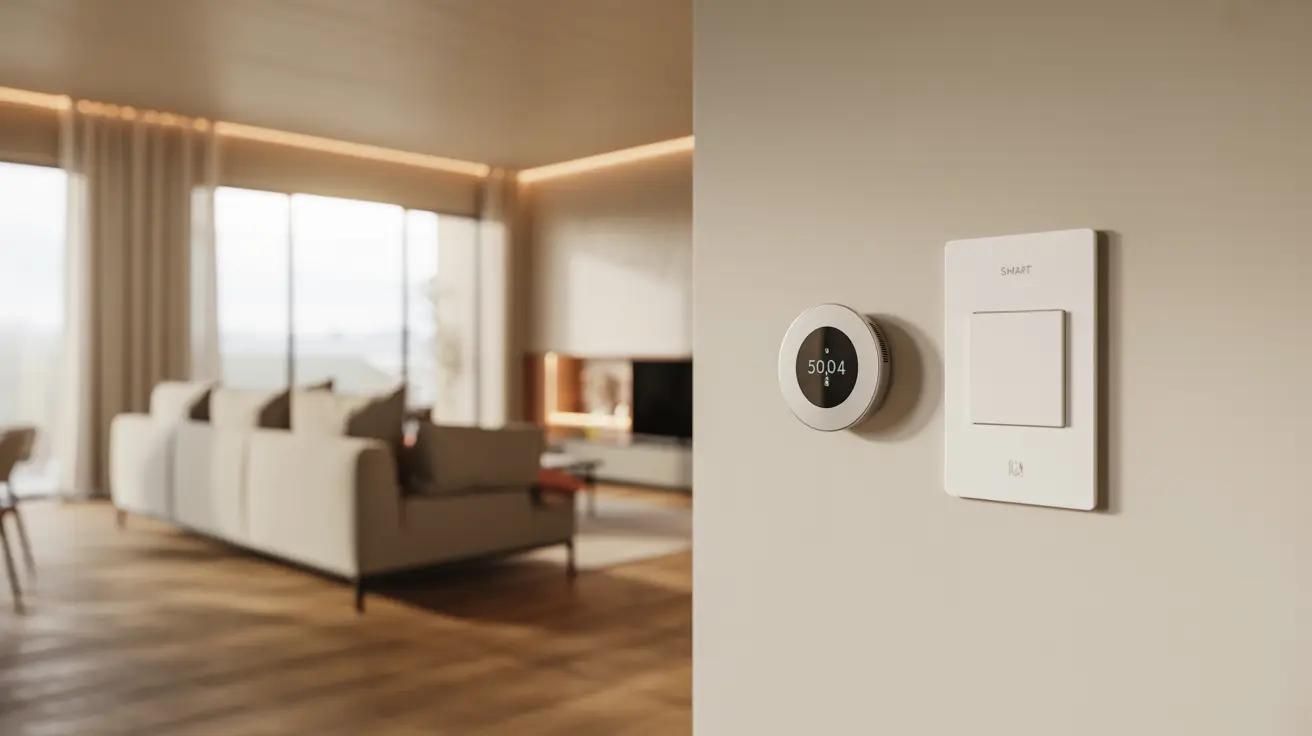
Fix it with cleaner choices. Smart switches often look better than many smart bulbs. Hide cables behind furniture and inside cable channels. Match wall plates to your finishes. Choose devices with neutral colors and simple shapes. Place them where they do not steal attention.
Privacy worries feel real
People worry about microphones and cameras. They also worry about data collection. These concerns make sense.
Fix it with smart habits. Use strong passwords and two-factor authentication. Keep devices updated. Put smart devices on a guest network if possible. Avoid unknown brands with unclear support. Choose trusted ecosystems and turn off features you do not need.
The Core Parts of Smart Home Interior Design
Lighting that feels natural
Lighting is the best place to start because it impacts every room. Good lighting is not one bright ceiling bulb. It is layers.
Use ambient lighting for overall light. Use task lighting where you work, like kitchens and desks. Use accent lighting for shelves, art, and texture. Smart dimmers make a home feel polished because you can adjust mood without changing fixtures. Scenes help too. One scene can set warm evening light. Another can make the room bright for cleaning. This is how smart homes feel “designed,” not random.
Comfort that stays steady
Comfort should feel quiet. A smart thermostat helps the home hold a stable temperature. That matters most in bedrooms and living areas.
Use simple schedules. Warm the house before you wake up in winter. Cool the bedroom before sleep in summer. Keep the rules easy so they keep working. When comfort is steady, the home feels higher quality.
Security that blends into the space
Security should not dominate your décor. A smart lock is one of the most useful upgrades because it solves key problems. A video doorbell helps you see visitors without opening the door.
For cameras, keep it thoughtful. Do not place indoor cameras where they feel intrusive. Use them only where needed. Keep wires hidden. Choose placements that protect sightlines and keep the room looking clean.
Window treatments that control glare and privacy
Smart shades can change the feel of a room. They help with glare on TVs and laptops. They also help privacy at night.
They can also support comfort by reducing heat from sun. In bedrooms, they help sleep routines. In living rooms, they keep the space calm when light changes through the day.
Sound and media without cord chaos
Entertainment areas often become messy. Cables, devices, and remotes stack up. That destroys a clean interior look.
Fix it with planning. Use a console that hides cables. Use fewer devices, placed with intention. Keep chargers out of sight. If you can, use built-in shelving or closed storage to keep the space calm.
Room by Room Smart Home Interior Design Ideas
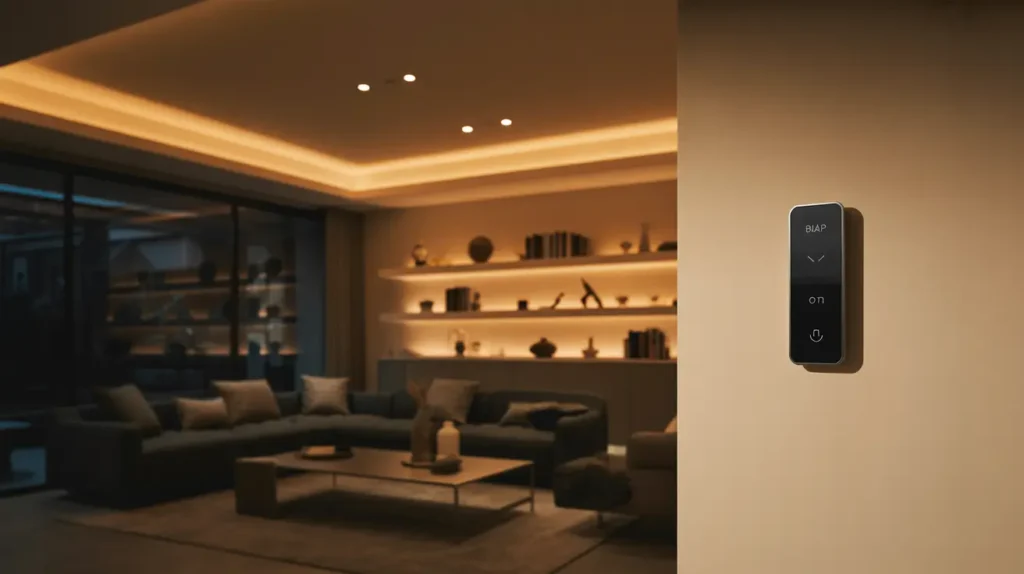
Living room
Start with smart lighting scenes for evenings, movie time, and guests. Use smart switches for a clean look on the wall. Add smart plugs for lamps if you rent. If glare is a problem, smart shades are a strong upgrade. Keep speakers balanced and discreet, not stacked like gadgets.
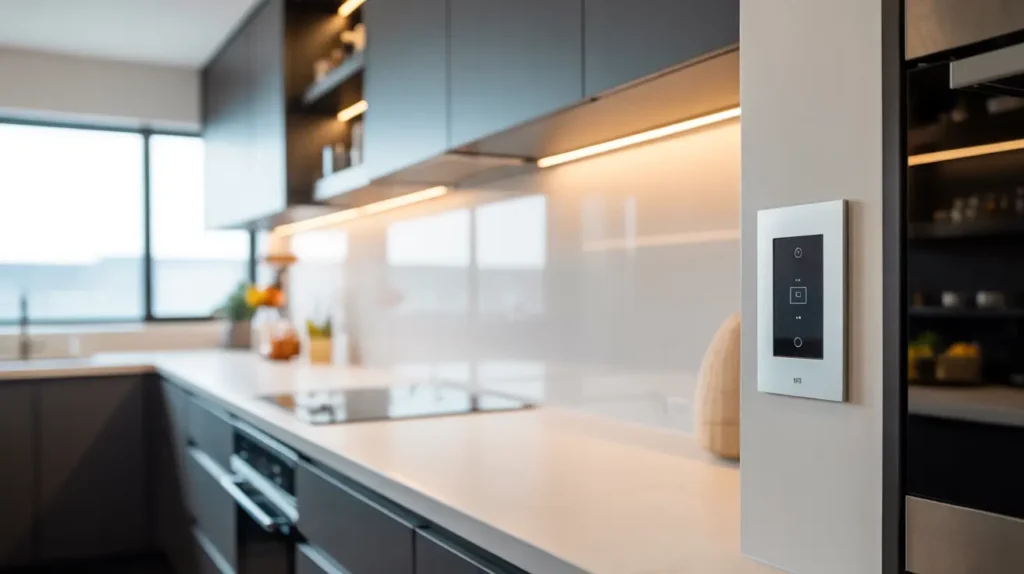
Kitchen
The kitchen needs hands-free help. Motion lighting is useful at night. Under-cabinet lighting makes cooking safer and more pleasant. Use smart switches here because they are simple for everyone. Keep devices away from steam and heat.
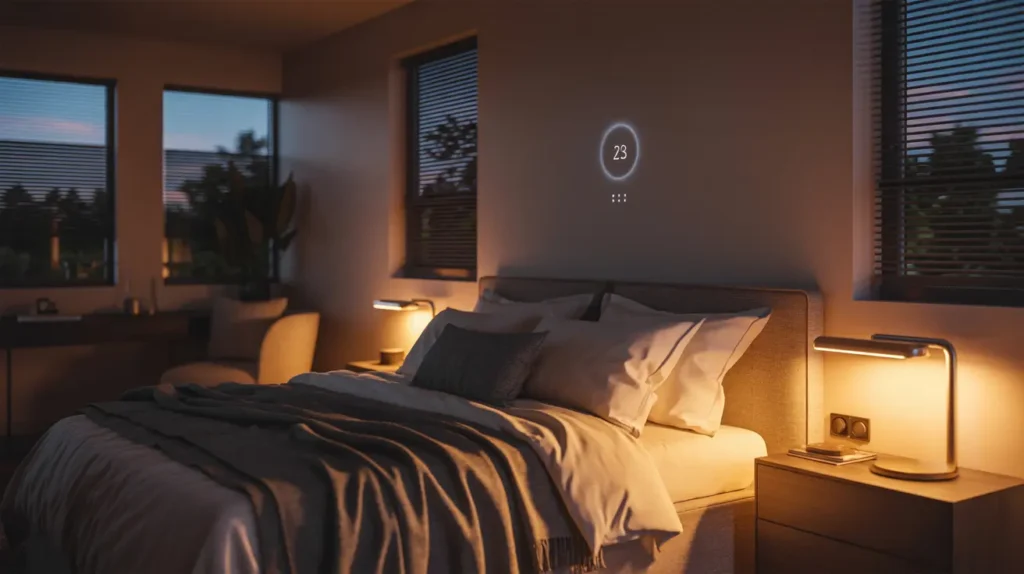
Bedroom
The bedroom should feel calm. Use warm lighting at night and dim it slowly. Build a bedtime routine that lowers light and adjusts temperature. Avoid bright screens and loud voice responses. Keep it minimal so sleep stays the priority.
Bathroom
Bathrooms are hard on electronics. Moisture shortens device life. Use lighting that is gentle at night and bright when needed. Place controls away from water. Keep it simple and durable.
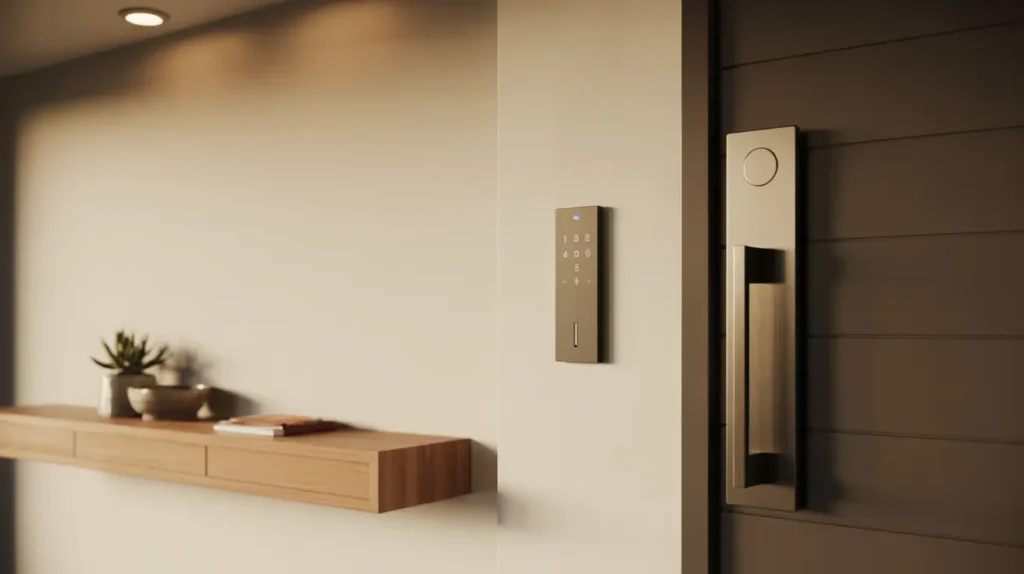
Entryway
This is the best place for smart security. A smart lock and a door sensor can solve daily worries. Add a simple entry routine that turns on lights when you arrive. Keep the entry tidy with a drawer or tray so the area still looks welcoming.
Design Choices That Keep Everything Clean
Smart switches often beat smart bulbs for a polished look. Bulbs can fail when someone turns off the wall switch. Switches keep control consistent and reduce daily confusion.
Try to stick to one ecosystem so your home feels unified. Mixing brands can work, but it often creates small issues that add up. Matter support can help, but planning still matters.
If reliability matters to you, consider hub-based setups for key devices. Some devices can keep working even when the internet drops, depending on how they are set up. That can be the difference between a system you trust and one you avoid.
Cost: How Much Should You Expect to Spend?
Cost depends on how far you go. Many people start with lighting and climate because they give the best daily value. Then they add entry security. After that, they add comfort upgrades like shades.
New builds can support pre-wiring and cleaner installs. Older homes can still look great, but cable planning becomes more important. The smart move is starting small, testing what you like, and building a system that stays easy.
A Simple Planning Method That Works
Start by picking your style and finishes. Match devices to your look. Keep wall plates consistent. Consistency makes the whole home feel planned.
Next, map “touch points.” These are places people reach for controls. Entry, kitchen, bedside, and main seating areas matter most. Plan switch and keypad placement like you plan furniture placement.
Then handle cables early. Cable management decides if a smart home looks clean. Hide what you can. Use furniture solutions and covers where you cannot.
Finally, keep routines simple. Morning, evening, away, and sleep cover most needs. If you build too many routines, people stop using them.
FAQs
Do smart homes need Wi-Fi?
Most do, especially for apps and voice control. A strong network makes the experience smoother.
Can smart devices work without internet?
Some can, depending on the setup. Hub-based systems can keep certain basics running.
What are the negatives of smart homes?
Weak Wi-Fi, cluttered installs, and privacy concerns are common. Planning and security habits reduce these issues.
What exactly makes a house smart?
It becomes smart when devices can be controlled and automated through voice, apps, sensors, or schedules.