
Many homes now have smart speakers, connected lights, and mobile apps for almost everything. The promise sounds exciting, but the reality often feels messy. Cables hang under the television. Devices sit on random shelves. Each light seems to need a different app. The home looks modern on the surface but feels busy and hard to live in. The real issue is not the technology itself. The real issue is how it sits inside the space.
Smart home interior design solves this problem. It treats every device as part of the room plan, not as an extra item dropped in later. Layout, light, storage, and technology work together as one system. The goal is a calm home that reacts to you and supports daily life without shouting for attention. When this happens, rooms feel more comfortable, more safe, and easier to use, even while they hold more hidden power than before.
What Smart Home Interior Design Actually Means
Smart home interior design is the careful design of how technology lives in your rooms. It still cares about color, fabric, and style, but it also cares about where a speaker sits, how a cable runs, and which scenes control the lights. You study the size and shape of each room. You look at doors, windows, sockets, and existing wiring. You think about the people who use that space and what they need from it each day.
You then decide where screens, speakers, sensors, and control points belong. You decide which actions should happen with one touch, which suit voice control, and which should stay manual. You match the size of each device to the room, instead of forcing large hardware into small corners. When this plan is clear, the home feels well thought out. Devices fade into the background. Rooms keep their character and mood while quietly using more technology behind the scenes.
Start With the Home Before You Think About Devices
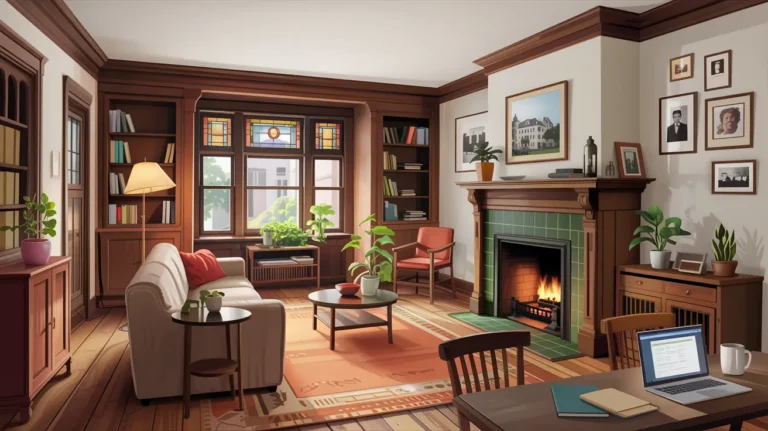
A smart home that feels good does not start with a product list. It starts with the rooms you already have. Stand in each space and look at it with fresh eyes. Notice where your gaze goes first. That may be a window, a fireplace, a feature wall, or a view out to the garden. These focal points matter. They help you decide where screens should sit and where they do not belong.
Measure every wall and note ceiling height and awkward corners. Draw a simple floor plan. Mark doors, windows, radiators, sockets, and any built in storage. Note where you already place your phone, keys, and bag as you walk through. This small drawing becomes your base map. Every smart choice you make later should work on this map. When you respect the room first, technology has a better chance of feeling natural instead of forced.
Understand the People and Their Real Needs
No smart layout will work if it forgets the people who live with it. Before you choose a single device, take time to write down who uses each room and how. Note how many people share the space, how old they are, and how they feel about new technology. Some enjoy deeper control. Others want the simplest possible action.
Think through a normal day. In the morning someone may cross the hall with half closed eyes on the way to the bathroom or kitchen. They need soft light and a safe path, not a bright glare. In the evening the same room may need different light for homework and then calmer light for rest. At night you may want the house to lock, dim, and settle with almost no effort. When you write these patterns down you stop guessing and start designing for real life instead of a showroom fantasy.
Turn Daily Routines Into Simple Smart Home Scenes
Once you understand these patterns you can turn them into clear scenes. A scene is a set of small actions that match one moment in your routine. Instead of opening three apps and five switches, you trigger one simple command. The room or the whole home moves to the state you need.
You might have a Morning scene that raises blinds in the bedroom, brings light up slowly in the hall, and warms the living room to a set level. You might have an Evening scene that softens light in the living room, turns on a lamp near the sofa, and lowers light in the kitchen after dinner. You might have an Away scene that checks doors, turns off non essential lights, and sets the temperature for an empty home.
On your floor plan, mark the best place to trigger each scene. The front door might suit the Away scene. The bedside table might suit Night and Morning. The main living room entry might suit different evening scenes. When scenes follow real movements through the house, they get used every day instead of only in the first week.
Plan the System So You Avoid Costly Mistakes
Choose One Main Platform
With scenes in mind, you can plan the system. You do not need expert level technical knowledge, but you do need simple structure. In many homes it helps to choose one main family of devices that share a common platform. This keeps control in fewer apps and makes it easier to share access with other people in the home.
Give Hardware a Hidden Home
Decide where the main hardware will live. This includes the internet router, any hubs, and key control units. Many people tuck these into a small cupboard, the back of a media wall, or a utility area. This space should be hidden from daily view but still easy to reach for service and reset. It also needs air, so do not seal it inside a tight box.
Mark cable routes before you close walls or build new storage. Think about where you need the strongest connection and where a wired link is better than a wireless one. A little thought at this stage stops you from placing a thick wall between important devices later. This planning step does not show in photos, but it protects both the look and the function of your smart interior for years.
Place Anchor Features First and Protect Flow
Every room has a couple of key features that shape both design and technology. In a living room that may be the seating group and the screen wall. In a kitchen it is the cooking zone and the island or table. In a bedroom it is almost always the bed wall. Place these anchors first on your plan. They should work with your focal points and respect doors and windows.
Technology then supports these anchors. In the living room, speakers and media devices sit as part of a single wall unit instead of across many surfaces. In the kitchen, light switches and scene buttons sit where your hand already reaches as you walk to the counter. In the bedroom, blinds and bedside lights respond as you lie down or rise, rather than forcing you to cross the room each time.
Protect simple movement through each room. Trace the route from door to sofa, from sofa to kitchen, from bed to bathroom, from desk to door. If a device or cabinet blocks that route, adjust it now. A smart home that feels cramped or awkward never feels truly smart, no matter how many features it holds.
Get Comfort, Style and Technology Working Together
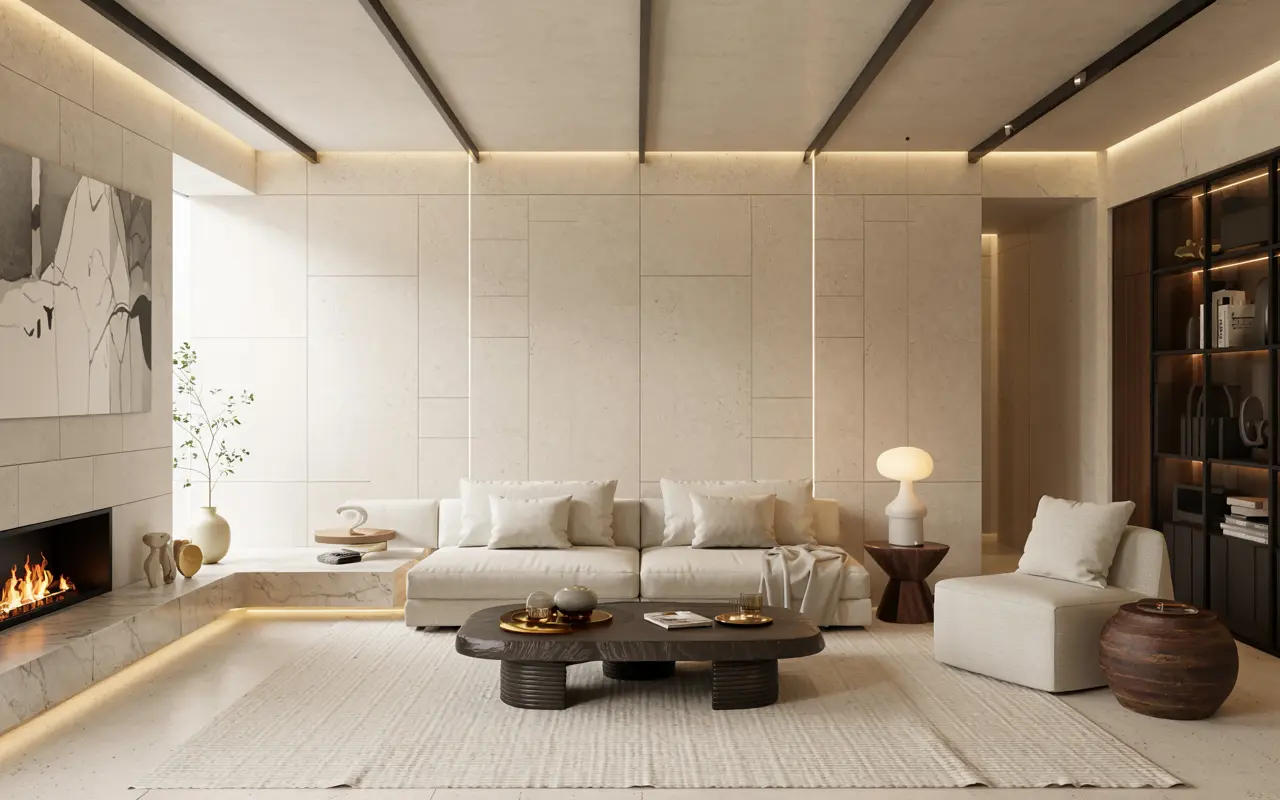
A room can be full of advanced features and still feel wrong if comfort and style lose the battle. Once the anchors and flow are set, read each room as one picture. Ask whether the devices match the look you want. A wide black bar may suit a strong modern wall but feel harsh in a soft, calm bedroom.
Check that light levels support all the tasks in that room. Bright, neutral light belongs over worktops, desks, and cleaning zones. Warm, low light belongs in corners for quiet conversation and rest. Make sure your scenes respect these differences. One global setting for all rooms rarely feels right.
Think about sound as part of the interior. Place speakers where the seating plan suggests, not where cables happen to reach first. Use rugs, curtains, and upholstery to soften echo and make music or dialogue feel richer. The aim is a space that looks and sounds like a place to live, not a testing lab.
Use Light, Storage and Decor to Support the System
After the main framework is in place, the supporting layers should strengthen it. Use general light to give safe, even visibility for everyday life. Use task light where people read, cook, and work. Use softer accent light to mark art, shelves, or architectural details. Connect these sources to your scenes instead of relying on one harsh central fitting.
Plan storage for every physical piece of technology. Remote controls, chargers, cables, headphones, and controllers all need clear homes. Drawers inside a media unit, boxes inside a console, or baskets inside a sideboard keep these items near where you use them but out of sight when you do not.
Treat decor as the final layer that helps devices settle into the room. Art can sit around a screen to reduce its visual weight. Plants can soften the view of speakers or units as long as they do not block vents or sensors. Everything you add at this stage should respect both the layout and the way the system works.
Handle Small, Older and Rental Homes with Care
Smart home interior design is not only for large new houses. Small apartments, older buildings, and rental homes can still gain a lot from careful planning. The approach just needs more attention to flexibility.
In small rooms, use fewer devices and choose them with care. One good speaker may suit the space better than many small ones. A couple of well-placed smart bulbs and switches may give more calm control than filling every socket with smart plugs. Hide hardware in existing cupboards instead of building new structures that steal space.
In rental homes, focus on pieces you can take with you. Lamps with smart bulbs, portable speakers, and simple hubs make sense. Use adhesive guides and floor covers for cables so you keep walls intact. Plan scenes for routines rather than building work into the fabric of the property. You still improve comfort and control without breaking any agreements.
Keep Privacy, Safety and Access at the Heart of the Plan
A connected home carries more responsibility than a traditional one. Good design protects privacy, safety, and simple access for every person in the home. When you plan cameras, focus on entries, driveways, and shared approaches rather than private corners. Choose angles that make people feel safe, not watched.
Always keep physical control for key functions. Lights should still work from wall controls. Doors should still open with a proper key or safe backup method. If the internet fails or a device needs service, the home must still run at a basic level. This gives peace of mind to everyone, not just the person who set the system up.
Design controls so that guests, children, and older relatives can understand them. Simple scene names like Home, Night, and Away work better than long labels. Clear buttons at logical heights help more than complex menus hidden in an app. A home only feels smart when every user can get light, warmth, and entry without stress.
Bring Your Smart Home Interior Design Together and Refine Over Time
A strong smart interior does not appear in one weekend. It grows from a clear process and careful testing. You start with the rooms and the people, not the gadgets. You turn daily routines into simple scenes. You give the system a clear home on your plan. You place anchor features and protect easy movement through each room. You balance comfort, style, and technology so none of them feel forced. You let light, storage, and decor support that structure instead of fighting it.
You do not need to reach perfection in one step. Pick one room and one routine to improve. Adjust the layout, add just enough technology to support the change, and live with it for a while. Note what feels smoother and what still feels off. Then refine the scenes, move a device, or edit the control. When you repeat this cycle across the home, each room starts to feel calm, connected, and ready for real life, with technology working quietly in the background instead of taking over the stage.