
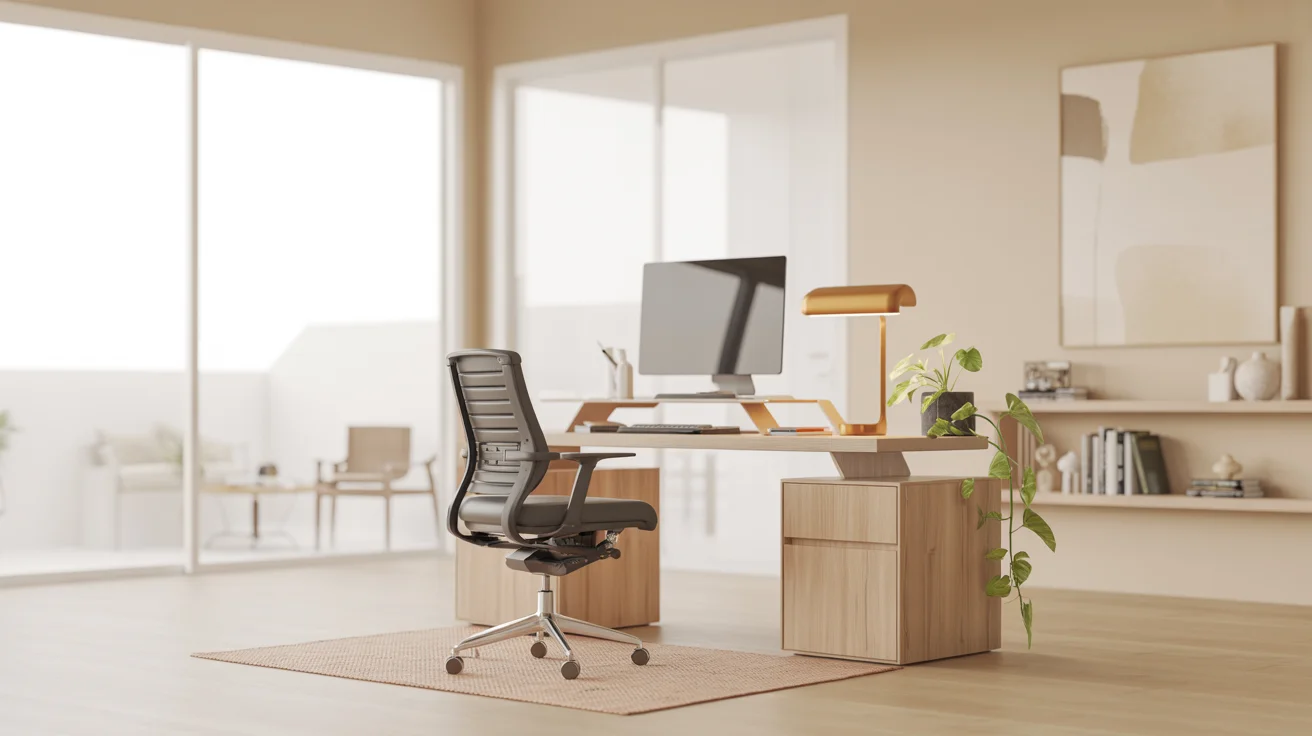
A home office should feel calm and ready. It should also help you get work done. The best setups balance comfort, storage, lighting, and style. You do not need a big room. You need smart choices that fit your space and your routine.
People often decorate first and regret it later. The desk ends up in the wrong spot. The chair hurts your back. Cables look messy. Video calls look dark. This guide covers practical choices that improve how the space feels and functions.
Start by Picking the Right Spot for Your Work Zone
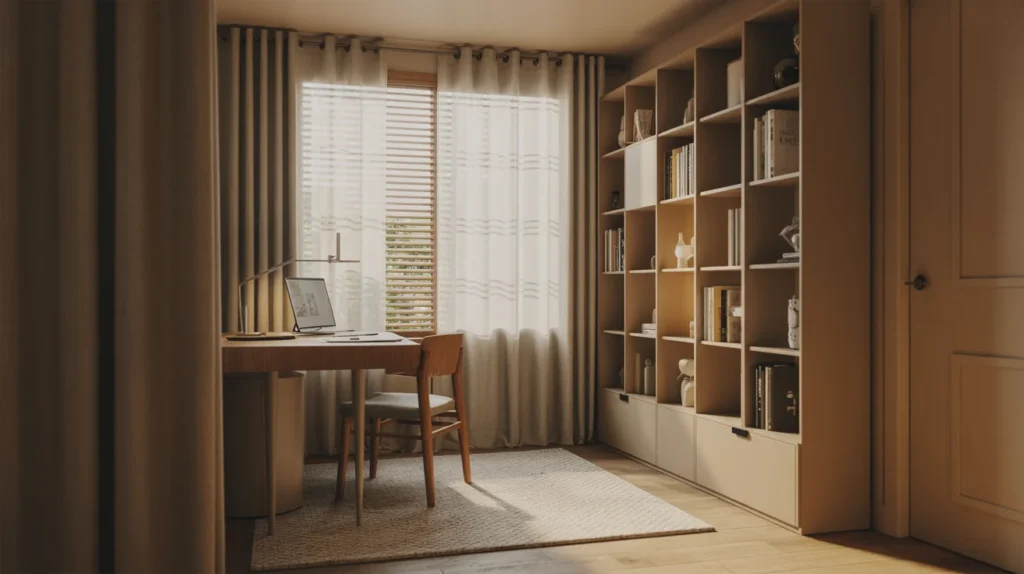
The location controls everything. Noise, light, and privacy matter more than wall art. A spare room is ideal, but a corner works too. A closet office can be great if it has airflow and light.
Try to avoid high traffic areas. A hallway corner feels busy fast. If you share space, create a clear boundary. A small rug and a slim shelf can mark the work area. That boundary helps your brain switch into work mode.
Face the desk toward a wall or across the room. It reduces distractions. If you face a window, glare can ruin your screen. Turn the desk sideways to the window when possible. That simple change often solves eye strain.
a Desk That Matches Your Space and Your Tasks
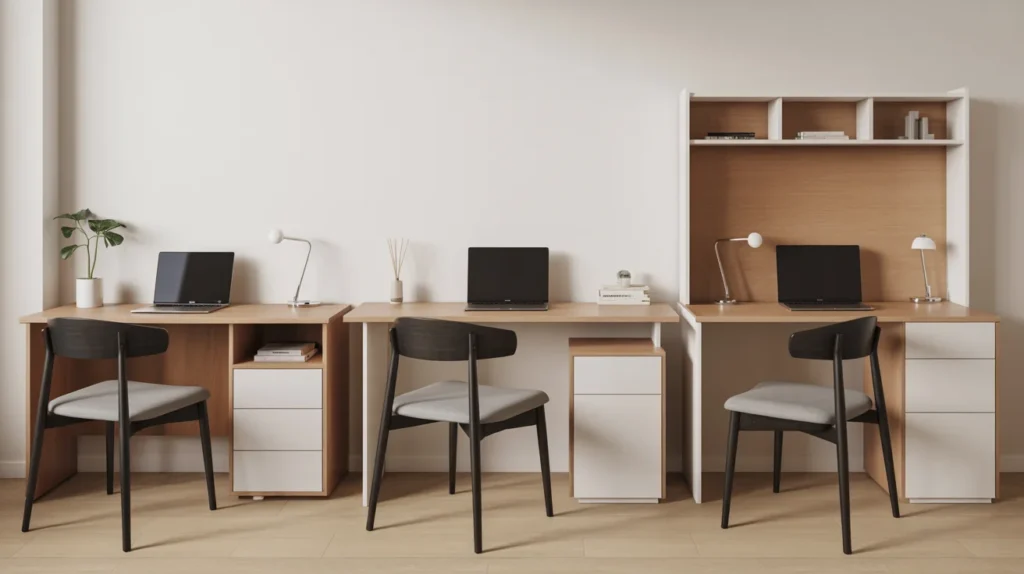
A desk is not just a surface. It sets how you move and where things live. For tight rooms, pick a compact desk with enough depth. Many people buy a desk that is too shallow. Then the monitor sits too close.
If you use two screens, an L-shaped desk can help. It gives room for a notebook and a mouse. A wall-mounted desk works for rentals. A floating desk can look clean, but you must plan storage.
Measure before you buy. Check width, depth, and leg room. Think about where your chair slides back. Also note where power outlets are located. Good placement reduces cable clutter later.
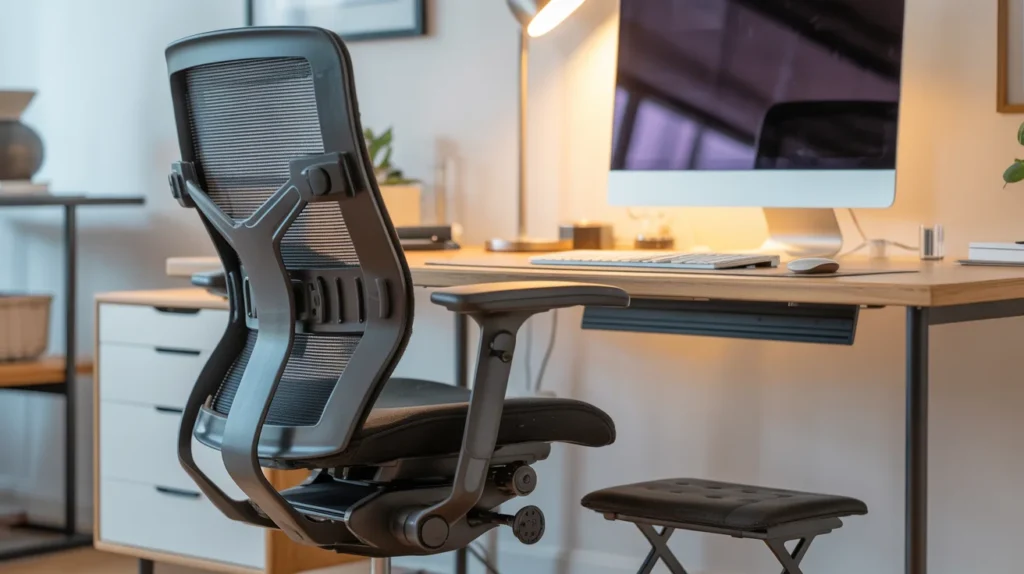
Ergonomic Chair and Better Posture
Decor means nothing if your body hurts. A supportive chair is the best upgrade for most people. Back pain often comes from poor lumbar support. Neck pain often comes from a low monitor.
Set your chair height so feet rest flat. If your feet hang, add a footrest. Keep elbows near a right angle at the keyboard. Place the top of the monitor near eye level. A monitor riser or a stack of books can work.
If you sit long hours, add a seat cushion if needed. A simple wrist rest can reduce strain. These changes protect posture and help you focus longer.
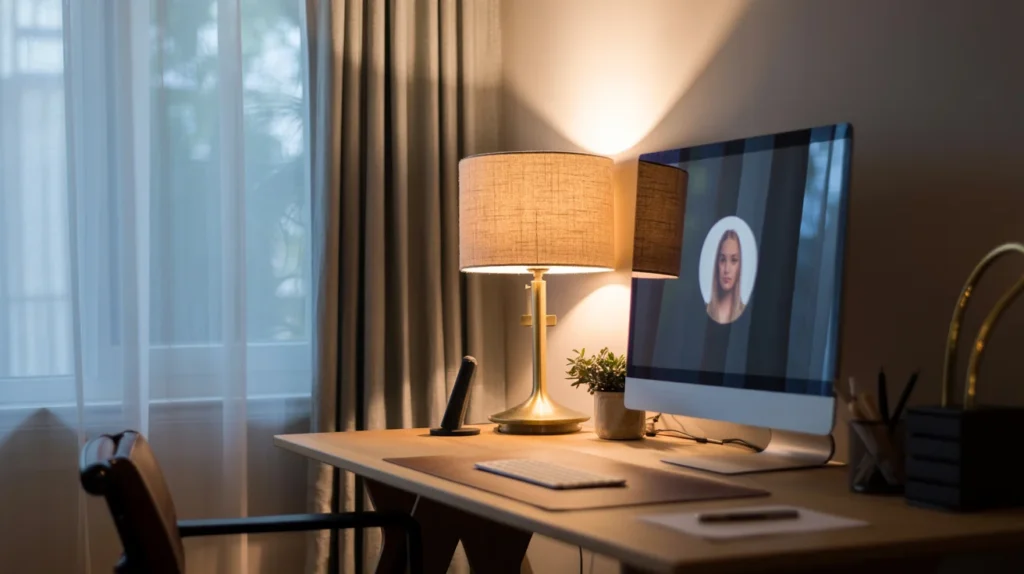
Use Lighting That Helps You Work and Look Good on Calls
Bad lighting makes a room feel dull. It also causes headaches and screen glare. You need both ambient lighting and task lighting. Overhead lights alone usually feel harsh.
Start with a desk lamp that aims at your work surface. Pick a bulb that feels natural, not icy. Place the lamp on the opposite side of your writing hand. It reduces shadows when you take notes.
Natural light is great, but control it. Use blinds or curtains to cut glare. If you do video calls, face a window when possible. Keep the light in front of you, not behind you. A small ring light can help in darker rooms.
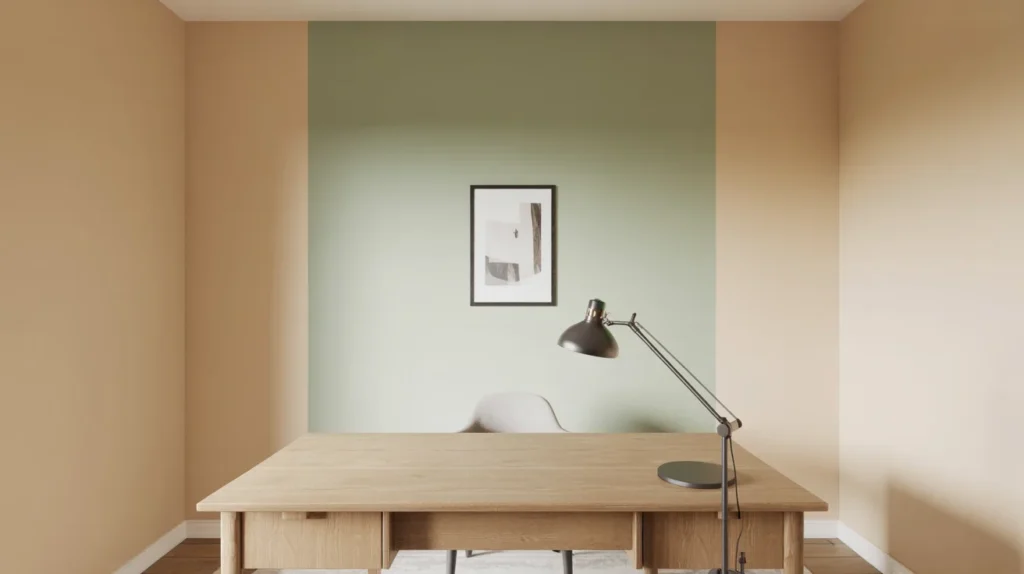
Pick a Simple Color Plan That Supports Focus
Color affects mood. Loud colors can feel fun but distracting. Many people work best with calm tones. Warm neutrals and soft greens often feel steady. A clean white can work too, if the room gets warm light.
If you want more depth, add an accent wall behind the desk. That wall also becomes a strong video call background. Matte paint hides wall flaws better than glossy paint. Low-VOC paint can help if you are sensitive to smell.
Keep the palette tight. Two main colors and one accent is enough. This makes the room look more professional and less busy.
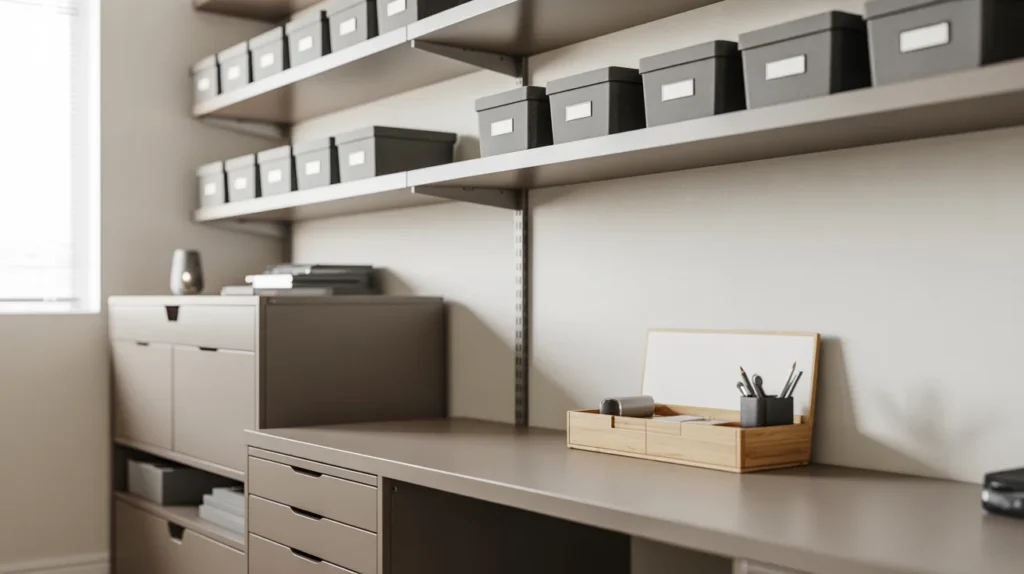
Add Storage That Keeps the Desk Clear
Clutter steals focus. It also makes a room look smaller. The best storage uses vertical space. Wall shelves, a bookcase, or a filing cabinet can improve the space fast.
Closed storage hides the extra items. Use drawers for cables, papers, and spare tech. Keep open shelves for a few books and one or two decor pieces. Use bins for small items and label them. A drawer unit under the desk can work in small rooms.
Create one drop zone for papers. A tray or a file box prevents piles. If you scan often, keep a scanner or printer in a cabinet. That keeps the work surface clean.
Hide Cables and Power Gear for a Clean Setup
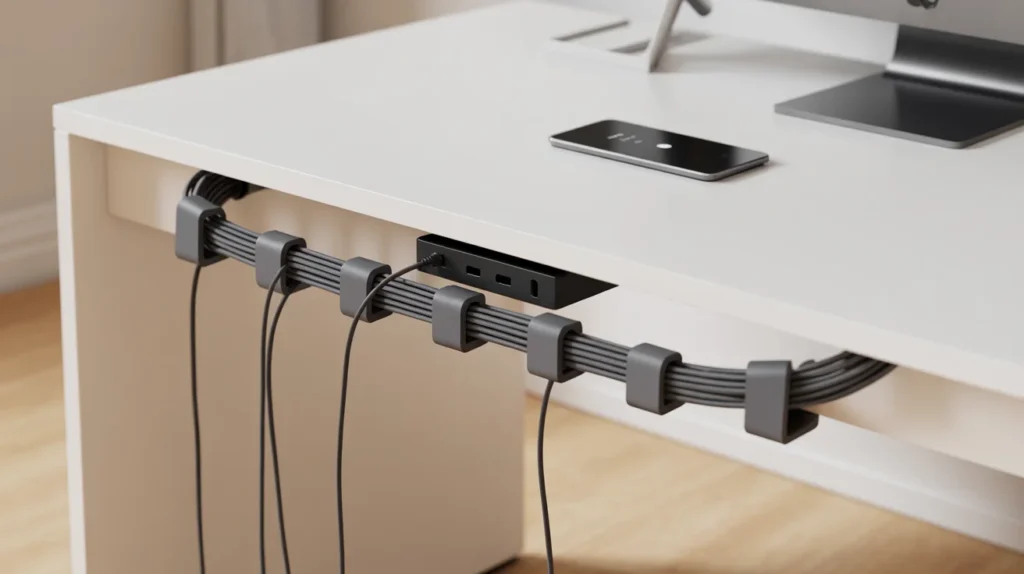
Cables can ruin a neat room. They also become a tripping risk. Start with a surge protector and a power strip. Mount it under the desk if you can. Use cable clips or a cable sleeve to bundle cords.
Set a charging station in one spot. Put it near a drawer or basket. Keep spare cords in a labeled pouch. When everything has a home, the desk stays clear.
If your Wi-Fi is weak, consider moving the router closer. An ethernet cable can help for calls. A small UPS can protect work during short power cuts, if your area needs it.
Make the Space Quieter for Better Focus
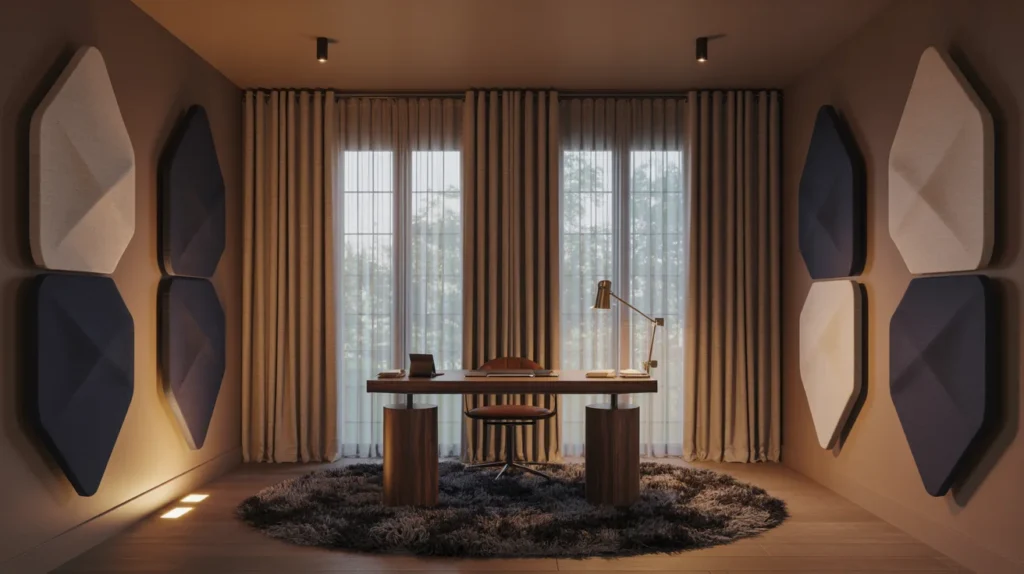
Noise is one of the biggest work-from-home issues. Hard floors and bare walls cause echo. A rug reduces that. Curtains also soften sound, even light ones.
If noise is outside, seal gaps around the door. A door sweep can help. Noise-canceling headphones work well for calls. A white noise machine can mask background sounds.
For stronger echo, add acoustic panels. They can look like art if you pick the right style. Place them behind the monitor or on the side wall. The sound often improves right away.
Decor Pieces That Have a Purpose
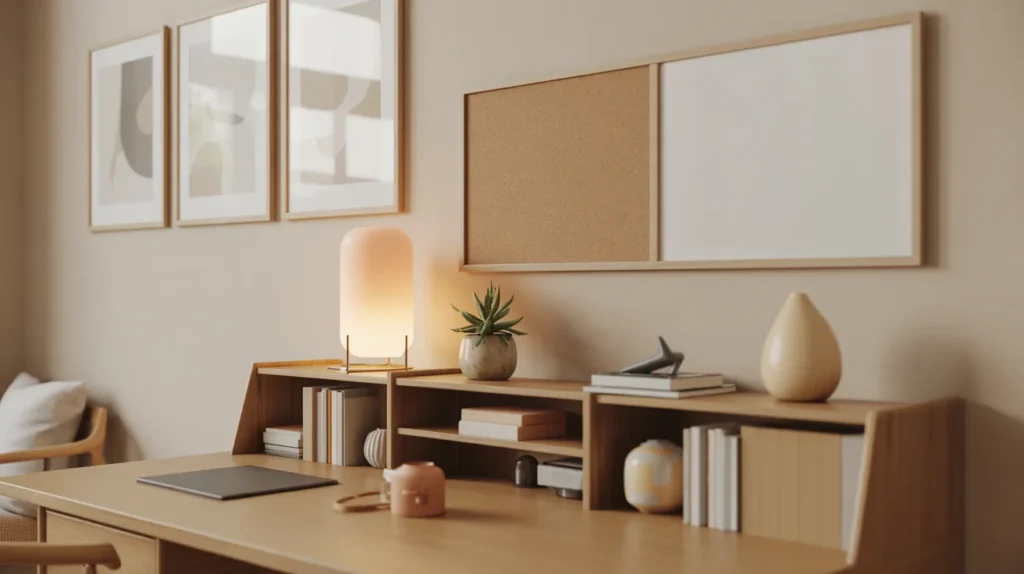
Decor should not be random. Each piece should support the way you work. Wall art can calm you or motivate you. A pinboard can hold plans and deadlines. A whiteboard can help with quick thinking.
Plants add life and soften the room. They also make the background feel warmer on video. Pick easy plants if you forget watering. A small desk plant is enough for most spaces.
A rug adds comfort and reduces echo. Curtains help with light control and sound. A small table lamp can make evenings feel relaxed. Keep surfaces simple so the room stays clear.
Build a Video Call Background That Looks Professional
Many people keep the room tidy, but still look messy on camera. The camera sees a small part of the room. That part should look clean and balanced. Keep the wall behind you neat and not too bright.
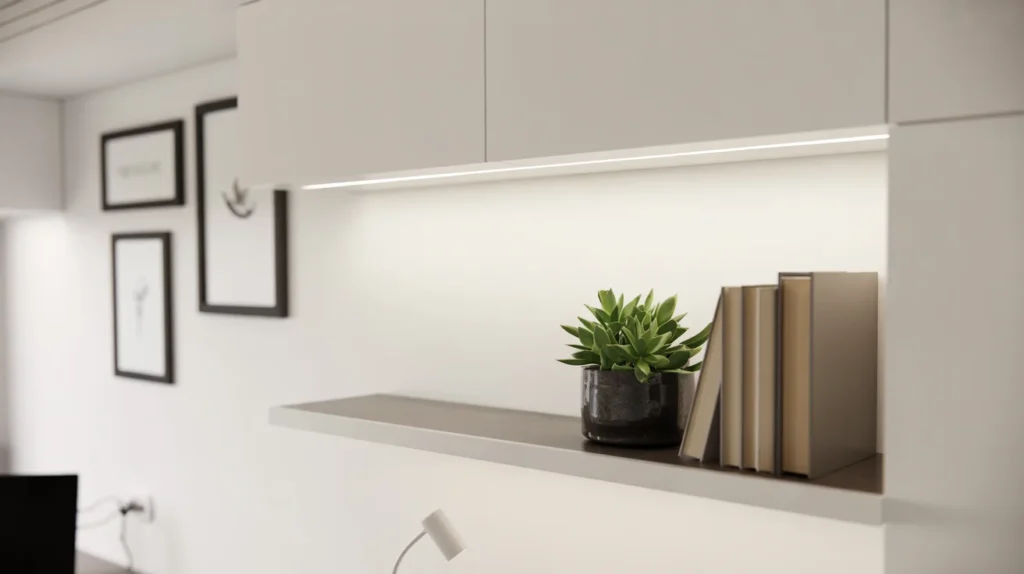
A simple shelf behind you can work well. Add a few books and one plant. Hang one large framed print or a small gallery wall. Avoid busy patterns that shimmer on camera.
Check camera angle and height. Put the webcam at eye level. Clean the lens once a week. These small details raise your presence on calls.
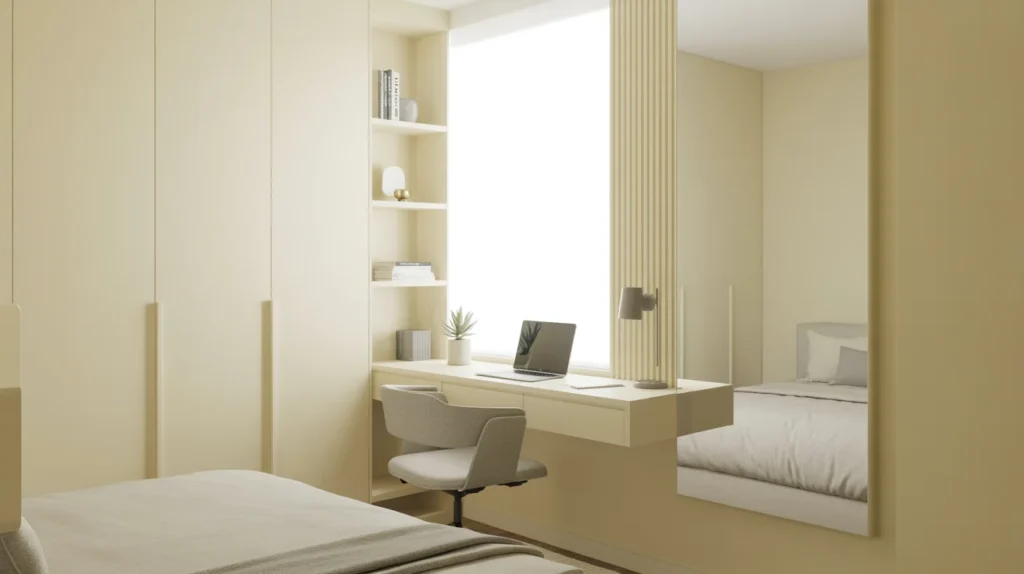
Home Office Decor Ideas for Small Spaces That Still Feel Open
Small rooms need lighter visual weight. Choose a compact desk with thin legs. It makes the room feel less crowded. Use a wall shelf instead of a floor bookcase when needed.
Go vertical with storage. One tall shelf can replace two wide ones. Use a floating desk if floor space is tight. Add a mirror if the room feels closed. It can reflect light and open the look.
Keep decor minimal in tight zones. Pick one statement piece, not five. A calm palette also helps a small office feel larger.
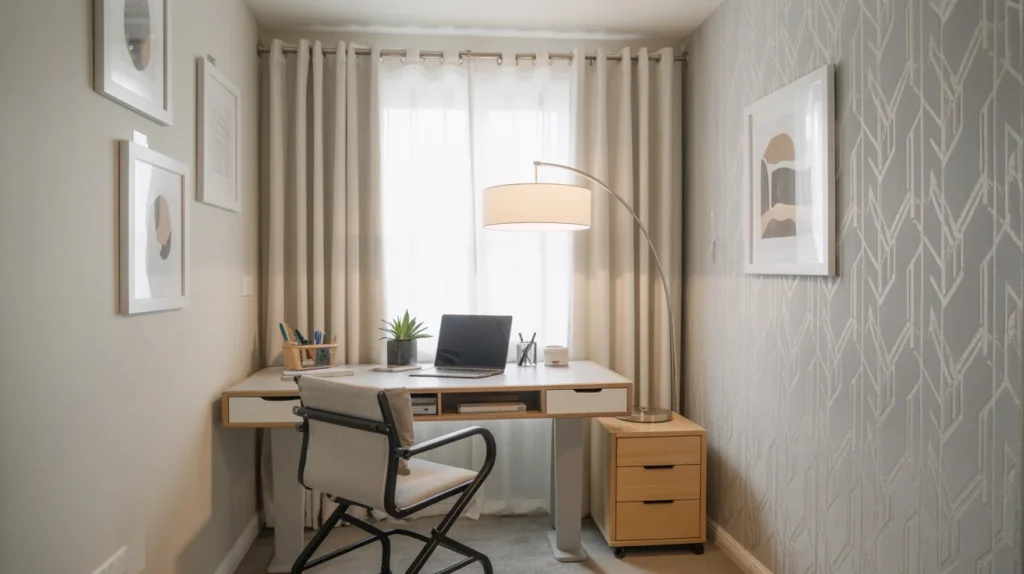
Renter Friendly Upgrades That Do Not Damage Walls
Renters can still create a strong office. Use peel-and-stick wallpaper for an accent wall. Removable hooks can hold art and light pieces. A tension rod can hang curtains without drilling.
Use a rolling drawer unit if built-ins are not possible. A floor lamp can replace hardwired lights. Cable covers can stick to baseboards. These changes improve comfort and style without damage.
When you move, most of the setup comes with you. That makes the spend feel safer.
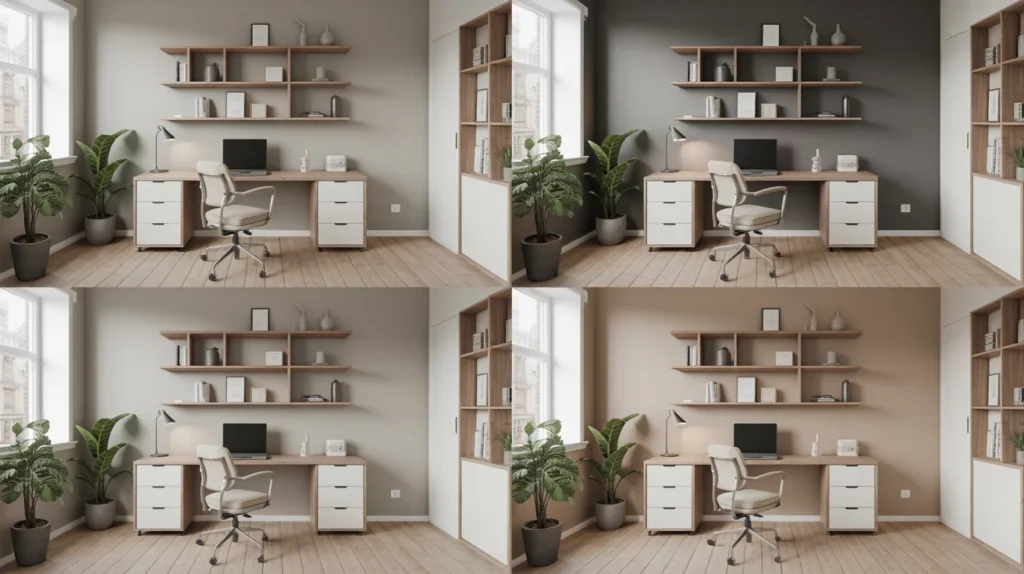
Style Recipes You Can Copy Without Overthinking
A clear style plan saves time. Pick one look and stick to it. Match wood tones and metals to keep it consistent.
Modern minimalist can use a simple desk, closed storage, and one large print. Scandinavian can use light wood, warm lighting, and soft textiles. Industrial can use a metal shelf, darker tones, and bold desk lamp shapes.
Boho can use natural textures, plants, and woven baskets. Traditional can use richer wood, classic frames, and a desk lamp with a shade. Japandi can use clean lines, calm tones, and fewer objects.
Stick to the plan and edit as you go. Too many styles in one room makes it feel busy.
What to Spend More On and What to Save On
The best value is comfort and light. Spend more on an ergonomic chair if you sit long hours. A good desk lamp also matters. A monitor upgrade can help productivity.
Save on decor items at first. Wall art can be thrifted. Shelves can come from budget stores. Bins and labels do not need to be expensive. Start simple, then upgrade one item at a time.
This approach reduces waste. It also keeps the room from feeling stuffed.
Small Issues People Run Into and Better Options
Desk placement often causes glare or shadows. Adjust the angle near the window and add blinds. Chair comfort can also be overlooked. A real task chair usually feels better than a decorative chair.
Many desks get crowded because storage is missing. Add one drawer unit or a slim cabinet. Cable mess happens when outlets are far. Use an under-desk power strip and cable clips.
Sound can feel harsh in bare rooms. A rug and curtains help quickly. Video calls can look dark with overhead lights. Add a lamp or ring light in front of you.
FAQ for Home Office Decor
How do I decorate my home office on a budget?
Start with lighting, a tidy desk, and one clean background wall. Add storage and one piece of art.
What is the best lighting for a home office?
Use ambient light plus a desk lamp. Control glare with blinds or curtains.
How can I make a small home office feel bigger?
Use vertical storage, a compact desk, and a light palette. Keep decor limited and balanced.
What makes a home office look professional?
A clean background, hidden cables, and a simple color plan. Add good lighting for calls.
How do I reduce noise in my home office?
Add a rug and curtains to cut echo. Use headphones or a white noise machine if needed.